Overview
Welcome to pleat, a Python library for constructing geometric tilings and turning them into crease patterns which can be folded into origami tessellations. It supports Euclidean, hyperbolic, and spherical geometries, provides a suite of Conway topological operators, and can generate crease patterns with computed folded states.
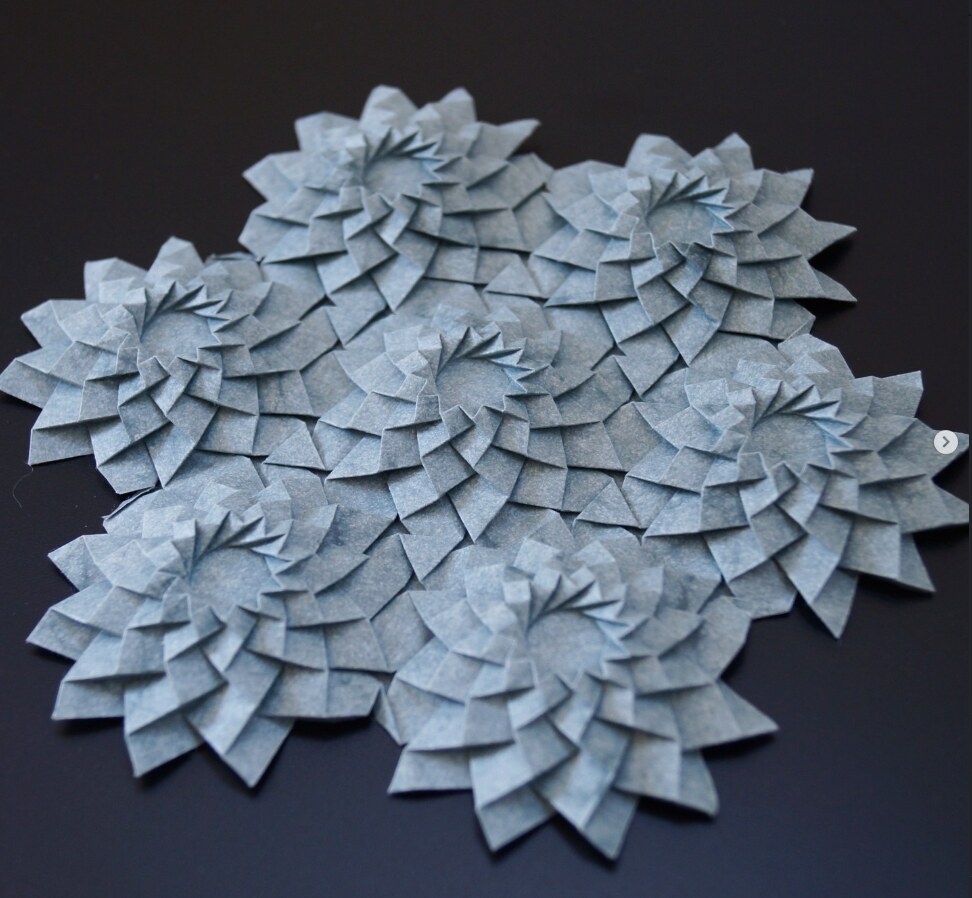
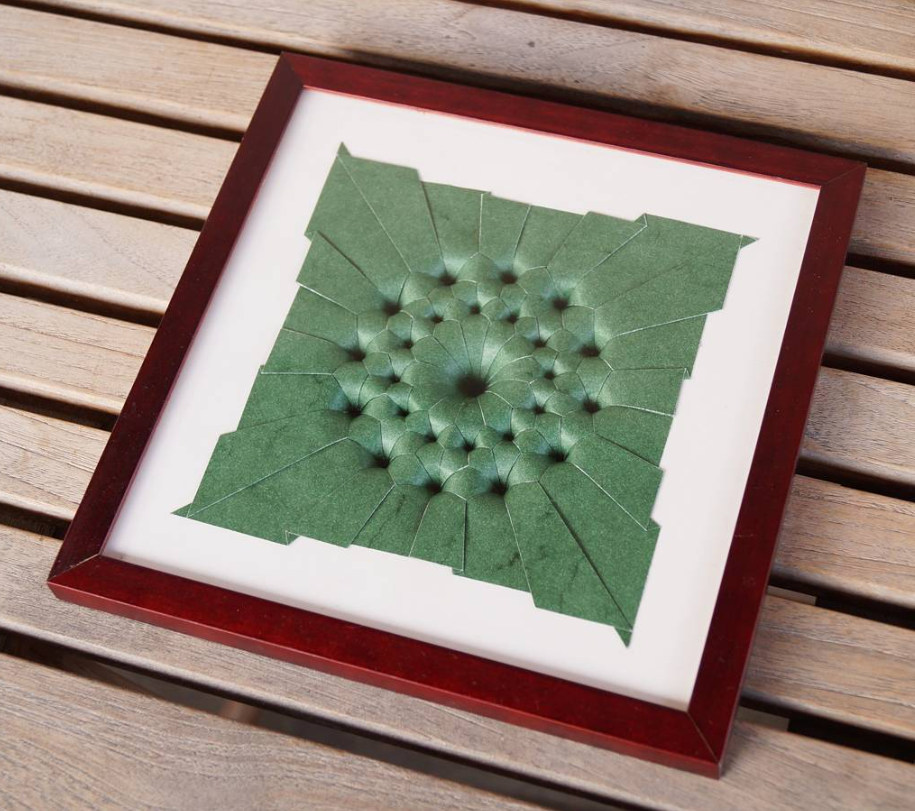
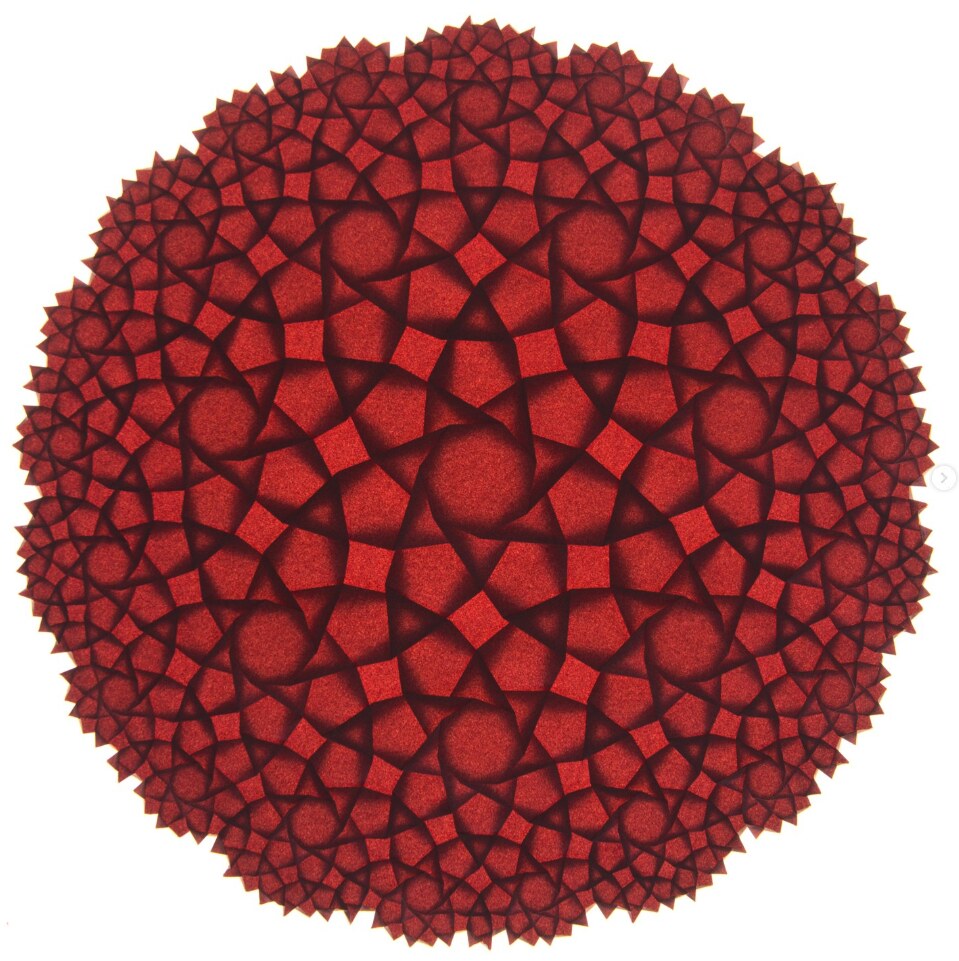
The heart of this documentation are the notebooks, which guide you through many of the features — this home page is the first of them. It walks through the whole origami pipeline in a few cells:
- Build a tiling — Construct a tiling using one of the many provided methods (Euclidean, spherical & hyperbolic, Conway operators), or import your own — from an SVG or even a hand-drawn image.
- Construct a crease pattern — apply an algorithm such as shrink-rotate to construct a crease pattern (CP) from the tiling geometry.
- Fold and export — Generate a preview of the folded state and export the results, for viewing, printing or plotting.
import pleat
Step 1: build a tiling
# create a tiling to work with: Two rings of hexagons around a central hexagon
# Try the other platonic tilesets with n=3 and n=4 as well!
G = pleat.example_graphs.from_tiles(pleat.example_tilesets.platonic(n=6), rings=2)
G.show()

Step 2: construct a crease pattern
from pleat.flat_foldable import max_kawasaki_sum
from pleat.shrink_rotate import crease_orientation, shrink_rotate_pattern
import numpy as np

# makes it so that in the folded form, the central face will lie on top of all its neighbors, which lie on top of their further neighbors, etc.
crease_orientation.assign_this_way_from_center(G)

# construct the crease pattern with the shrink-rotate method
CP = shrink_rotate_pattern(G, simplify_boundary=True, alpha=np.pi/5, factor=0.5)
CP.show(**pleat.rendering.CREASE_PATTERN_PRESET)

# confirm that Kawasaki's theorem is satisfied at each vertex, which is a necessary condition for flat foldability
assert max_kawasaki_sum(CP) < 1e-10

Step 3: fold and export
# fold the crease pattern, generating a backlit view and solving the layer ordering
fold_result = pleat.overlap.fold_complete(CP, quiet=True)

# display the folded form along with the CP
fold_result.show()

# uncomment and specify a path to export the crease pattern and the folded form to a folder
# output_folder =
# fold_result.save(output_folder)

Bonus: Open in origami simulator
Use .origami_simulator() on a crease pattern to open Amanda Ghassaeis origami simulator inline in a jupyter notebook (or in a new tab if called from a script).
fold_result.CP.origami_simulator()
What next?
You have now seen a super brief tour of the entire pipeline. To dive deeper:
- Constructing tilings — Euclidean tilings, curved geometries, Conway operators, styling, modifications, image to graph, saving and exporting, and the GomJau-Hogg notation.
- Tilings to origami tessellations — shrink-rotate, intersecting cylinders, and alternating flagstones.
Beyond the notebooks, the API Reference section documents the full public API.
Personal release note
This codebase has grown organically over many years, and adding functionality to generate new origami tessellations has almost always taken priority over maintaining or improving code quality. Lately, I have made an attempt of at least somewhat cleaning the repository, and writing this documentation to finally share the project.
I hope that this project proves useful to members of the origami community! Feel free to contact me directly, and if you find a bug or other problem in the code, feel free to open an issue here.
The pleat code is MIT-licensed. The photographs of folded origami models shown in this documentation are © Roman Remme, licensed CC BY-NC-ND 4.0.